 doorry
Your Mac is a
server.
You just didn't know which ports it was running.
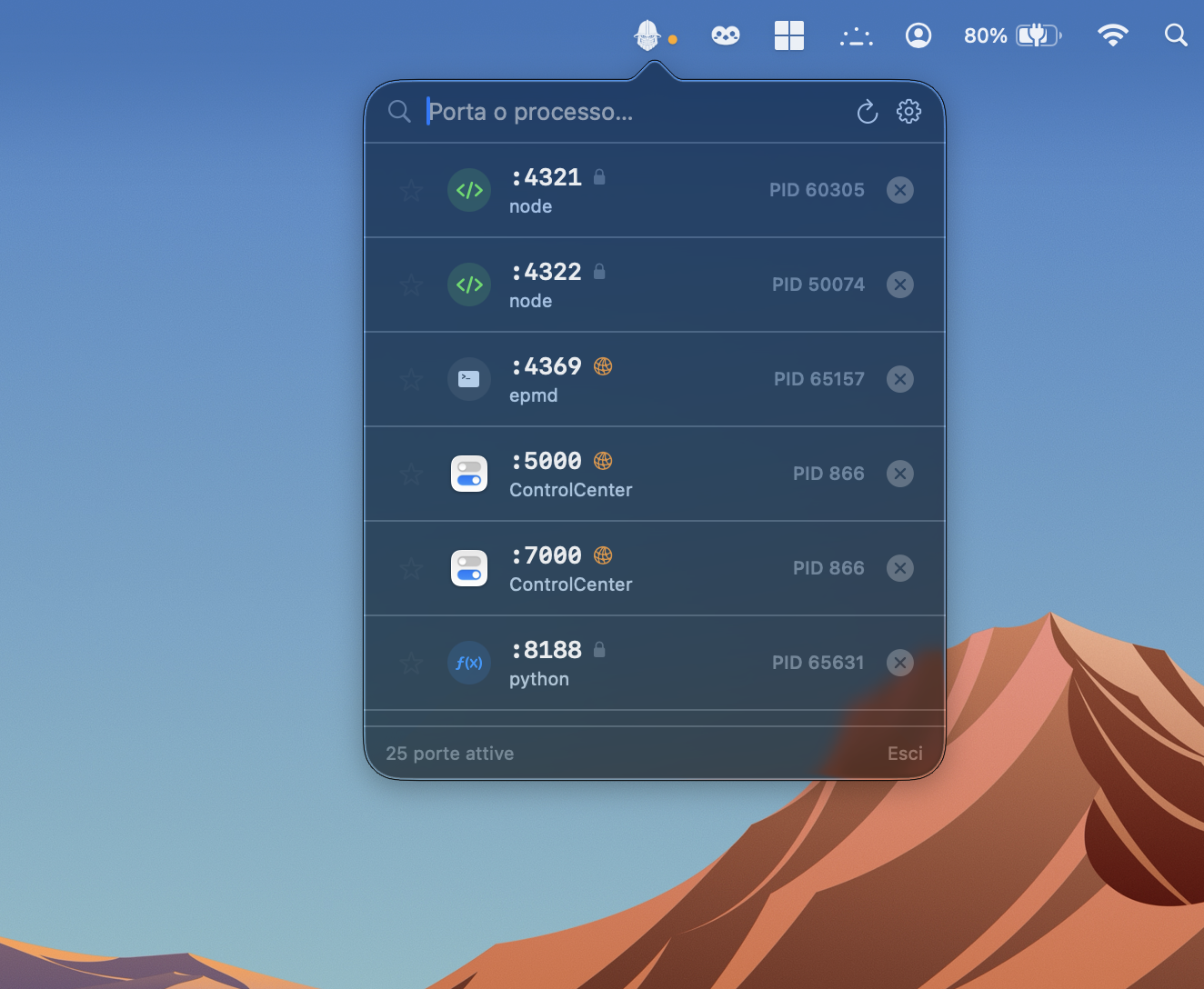
Most apps open a port and never close it. Doorry lives in your menu bar, shows you everything that's listening, and lets you kill it in one click.
No lsof. No netstat. No Stack Overflow.

PORTPIDPROCESS
:3000 14829
node
local ✕ :5432 1024
postgres
local ✕ :4000 18234
beam.smp
local ✕ :8080 23891
python3
LAN ✕ :57621 9841
Spotify
LAN ✕ :1234 29017
ruby
local ✕ ⌘K global hotkey auto-refresh 2s
without Doorry
$ sudo lsof -iTCP -sTCP:LISTEN -P
# copy, paste, squint at output
# grep for the port you want
# kill -9 <pid> and hope
with Doorry
⌘K → list appears
hover → ✕ appears
click → process gone
# that's it
The name
Named after Dorry, the giant warrior from Elbaf in One Piece. Strong, loyal, plants himself in front of a door and doesn't move.